
Research & Written by: Adnan Mirza
Getting Started with Artificial Intelligence: Your Friendly Guide to Tools, Prompts, and Everyday Uses
Hey there! If you've ever asked Siri for directions, gotten spot-on recommendations on Netflix, or used Google to search for something and got exactly what you needed, you've already experienced artificial intelligence (AI) in action. It's not just sci-fi anymore—AI is woven into our everyday lives, making things easier, faster, and smarter.
This guide is for anyone in the US who's curious about AI but doesn't know where to start. We'll break it down simply, share practical tips, highlight the best tools, and even show you how to get great results from AI chats. Whether you're a busy parent, a student cramming for exams, or someone running a side hustle, AI can be your secret weapon.

What Exactly Is Artificial Intelligence?
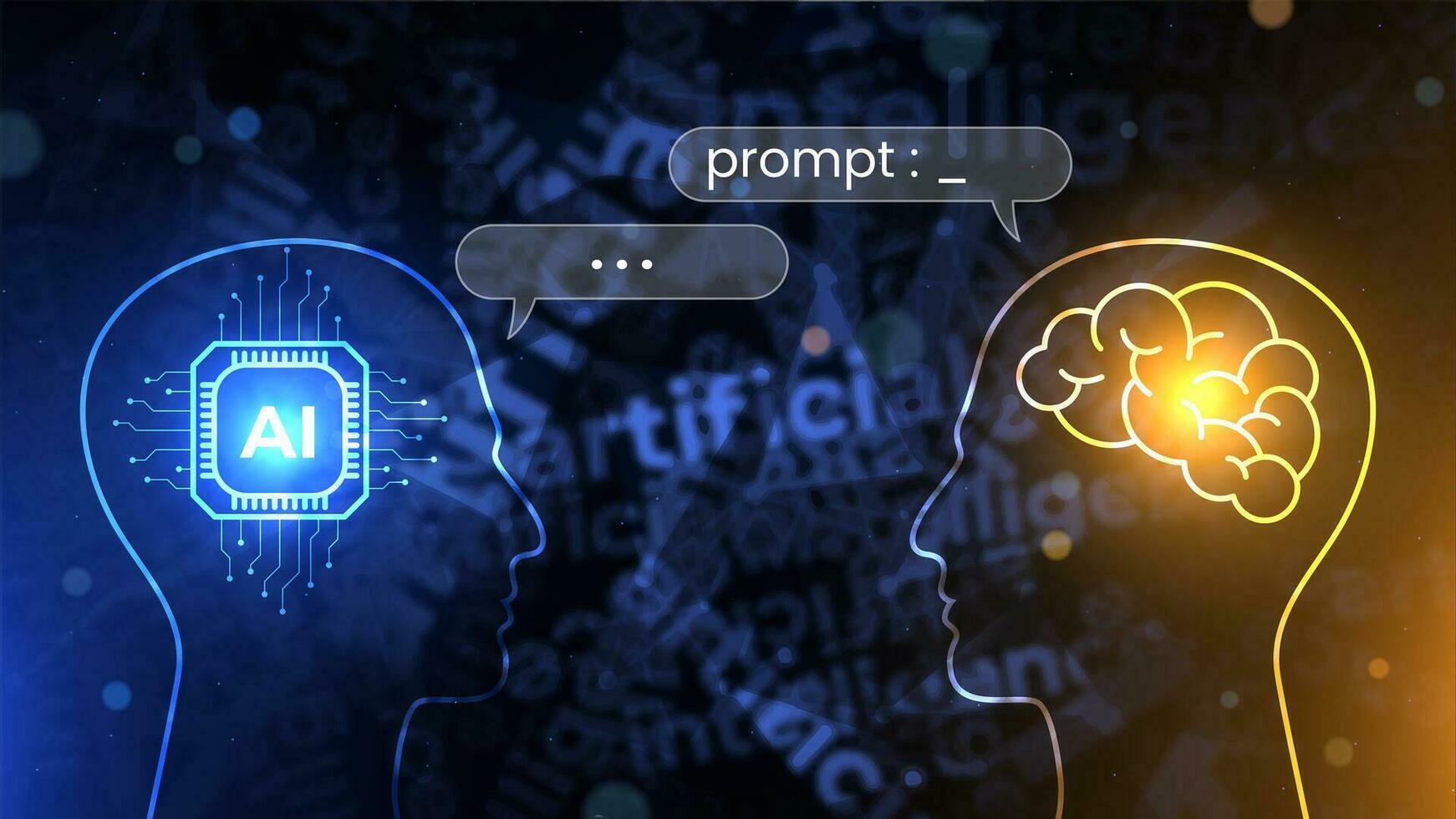
At its core, AI is technology that lets computers do things that usually require human smarts—like recognizing speech, spotting patterns, or even creating art. Think of it as a super-smart helper that learns from tons of information instead of following rigid instructions like old-school software.
There are a few main flavors of AI you'll hear about:
- Narrow AI: Great at one specific job, like your phone's voice assistant or spam filters in your email.
- Machine Learning: Where AI gets better by studying data patterns—similar to how you improve at a video game with practice.
- Deep Learning: A more advanced version that powers things like image recognition in apps.
- Generative AI: The fun stuff that creates new content, from writing stories to generating pictures (like tools such as DALL-E or Midjourney).
The best part? AI isn't here to take over jobs—it's designed to team up with us, handling the boring or time-consuming tasks so we can focus on what we do best.
For a deeper dive, check out Google's AI overview.
How AI Can Make Your Life Easier Every Day
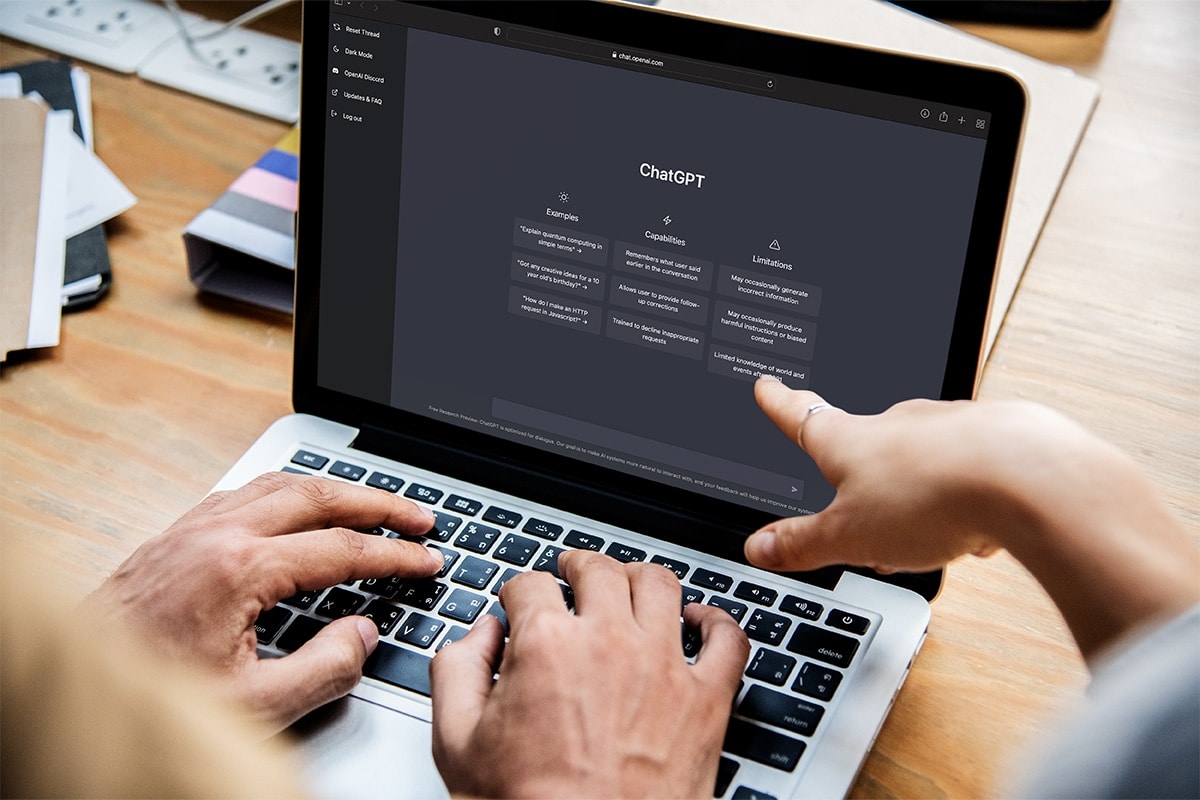
AI isn't just for tech giants; it's helping regular folks like us in all sorts of ways. Here's how it shows up in real American life:
- Creating Content Quickly Stuck on a work email or planning a blog for your small business? AI can whip up drafts, social media posts, or even YouTube video outlines. For instance, many freelancers use it to brainstorm ideas for Instagram reels about their homemade crafts.
- Learning and Education Need to understand quantum physics or prep for the SAT? AI explains tough concepts in plain English, quizzes you, or creates study guides. Apps like Duolingo use AI to tailor lessons, just like how Khan Academy personalizes math practice for millions of students. Explore more: Khan Academy.
- Boosting Work and Business From chatbots handling customer questions on e-commerce sites to tools predicting inventory needs for your local coffee shop, AI saves time and money. Big companies like Amazon use it for recommendations, but small businesses can too with affordable tools.
- Everyday Convenience Your GPS rerouting around traffic jams? That's AI. Smart thermostats like Nest learning your schedule? AI again. It even suggests playlists on Spotify based on your mood after a long day commuting.
In short, AI turns chaos into calm, whether you're juggling family schedules or growing an online store.

Why ChatGPT Stands Out as a Top AI Tool
With so many options out there, ChatGPT (from OpenAI) is a favorite for beginners and pros alike. It's like having a knowledgeable friend who's always available.
Reasons it's a go-to:
- Super user-friendly—no tech degree needed.
- Handles everything from casual chats to complex tasks like coding or planning a road trip.
- Works great on phones and computers, with voice features too.
- Keeps getting better with regular updates.
You can use it for resumes, meal plans based on what's in your fridge, or even debating the best Super Bowl ads. Visit the official site: OpenAI.
Other strong contenders include Google's Gemini and Microsoft's Copilot, but ChatGPT's versatility makes it an all-rounder.

Must-Have AI Apps for Your Phone
Your smartphone is already an AI powerhouse—here are apps that can supercharge your day:
- ChatGPT App – Brainstorm ideas, get quick answers, or draft texts on the go.
- Google Assistant or Siri – Hands-free help for reminders, calls, or controlling smart lights in your home.
- Grammarly – Polishes your writing for emails, LinkedIn posts, or school papers. Check it out: Grammarly.
- Google Lens – Point your camera at a plant, menu, or product for instant info or translations—perfect for travel or shopping.
- Canva with AI Features – Easy designs for flyers, social graphics, or party invitations. Try it: Canva.
These free (or freemium) apps make your phone feel like a personal assistant.

Mastering Prompts: The Key to Great AI Results
A "prompt" is just the question or instruction you give the AI. Bad prompt = meh results. Great prompt = magic.
Weak example: "Tell me about healthy eating."
Strong example: "As a nutrition coach, create a 7-day meal plan for a busy American parent, focusing on affordable grocery store items, quick prep times under 30 minutes, and kid-friendly options."
Tips for perfect prompts:
- Assign a Role: "Act as a professional chef" or "Be a history teacher."
- Be Specific: Include details like audience (e.g., beginners in the US), length, tone (friendly and relatable), and format (bullet points, steps).
- State the Goal: Is it for fun, learning, or SEO?
Try this universal template: "Act as an expert in [topic]. Write [what you want, e.g., a guide] for [audience, e.g., everyday Americans]. Use simple language, include real examples, and structure with headings."

What's Next for AI in Our Lives?
AI is advancing fast. Soon, expect even smarter helpers—like virtual doctors spotting health issues early, personalized tutoring for every kid, or self-driving cars making commutes safer.
Companies like IBM and Microsoft are pouring resources into ethical AI. Learn about trends: IBM AI or Microsoft AI.
The Upsides and Downsides of AI
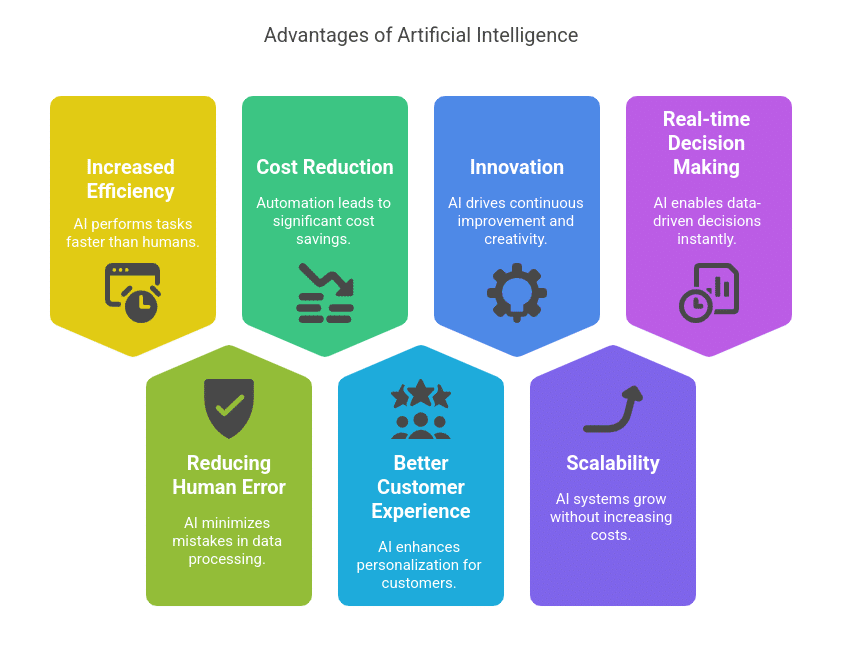
Pros:
- Huge time-saver (think hours back from writing reports).
- More accurate than humans at repetitive tasks.
- Available anytime, boosting productivity for night owls or early birds.
Cons:
- Needs good data to work well—garbage in, garbage out.
- Lacks human emotions or common sense in tricky situations.
- Can make mistakes if your prompt isn't clear.
- Always double-check important stuff, like medical or legal advice.
The key is using AI as a tool, not a crutch—pair it with your own judgment.
Wrapping It Up: Embrace AI as Your Sidekick
AI is here to stay, and it's making life better for all of us—from streamlining work to sparking creativity. Start small: Download a couple apps, play with prompts, and see how it fits your routine.
It won't replace your unique ideas or relationships, but it can amplify them. Give it a try—you might be surprised how much easier things get!
For more resources: Google AI.
References and Backlinks
- OpenAI – https://openai.com
- IBM AI Guide – https://www.ibm.com/topics/artificial-intelligence
- Google AI – https://ai.google
- Microsoft AI – https://www.microsoft.com/en-us/ai
- Khan Academy AI in Education – https://www.khanacademy.org
- Grammarly – https://www.grammarly.com
- Canva AI – https://www.canva.com
Is AI safe to use? Yes, for everyday tasks. Stick to reputable tools, don't share sensitive personal info, and remember outputs aren't always 100% accurate.
Do I need to pay for good AI tools? Many are free with solid features (like ChatGPT's basic version). Paid plans unlock more power, like faster responses or advanced image generation.
Can AI really help with creative work? Absolutely! It generates ideas or drafts, but your human touch makes it shine—think of it as a brainstorming partner.
What if I'm not tech-savvy? No worries—most tools are designed for beginners. Start with simple questions and build from there.
Will AI take my job? It changes jobs, but creates new ones too. Learning AI skills can actually make you more valuable in fields like marketing, teaching, or healthcare.
Got more questions? Drop them in the comments or try asking an AI yourself!
#AITools
#ChatGPT
#PromptEngineering
#FutureTechnology
#DigitalProductivity
#AIForBeginners
#TechGuide




No comments:
Post a Comment